Article categories:
Published:
Schlage’s Status Indicators: SECLOCK Has You Covered
New and improved visibility solutions for L Series, ND Series, and B Series locks, all in one place.
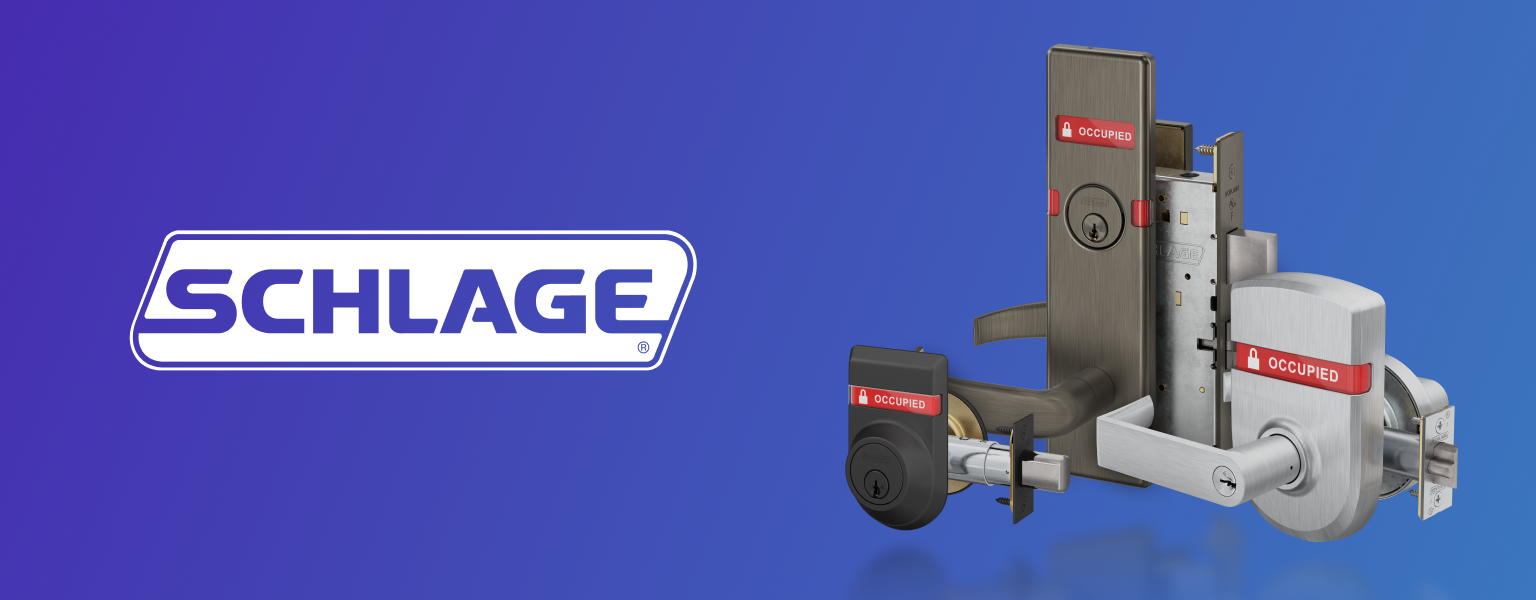
When it comes to status indicator trims for Schlage locks, visibility matters. Whether you're specifying for a high-traffic commercial facility or a secure access point, knowing at a glance whether a door is locked or occupied can make all the difference.
Schlage's new and improved indicator trims deliver exactly that, and as the leading distributor of Schlage solutions, SECLOCK carries the full catalog.
L Series Mortise Locks
The upgraded indicator trims for Schlage's L Series mortise locks feature a 27% larger viewing window that wraps across three sides of the lock for full 180° visibility. Easier to read, better designed, and built for demanding applications.
ND Series Cylindrical Locks
The new escutcheon-style indicator trims for the ND Series bring one-sided, high-visibility design to cylindrical locks. Available in eight functions, these trims deliver the same wide 180° visibility window, built for clarity in busy environments.
B Series Deadbolts
Schlage's B Series deadbolt indicator trims now feature the same 180° viewing window, with the added flexibility of single or dual-sided messaging options. Protection you can see, configured for the application.
No matter the opening, Schlage has an indicator trim for it, and SECLOCK stocks them all. Have questions or need help specifying the right trim for your project? Speak with a Technical Sales Rep directly by calling (800) 847-5625 or clicking the chat button on the bottom right of your screen.
Posted in:Manufacturer SpotlightsProduct News & InfoNew Products
