IntroducingSource Mode
A premium sourcing experience within SECLOCK.com
Source Mode New
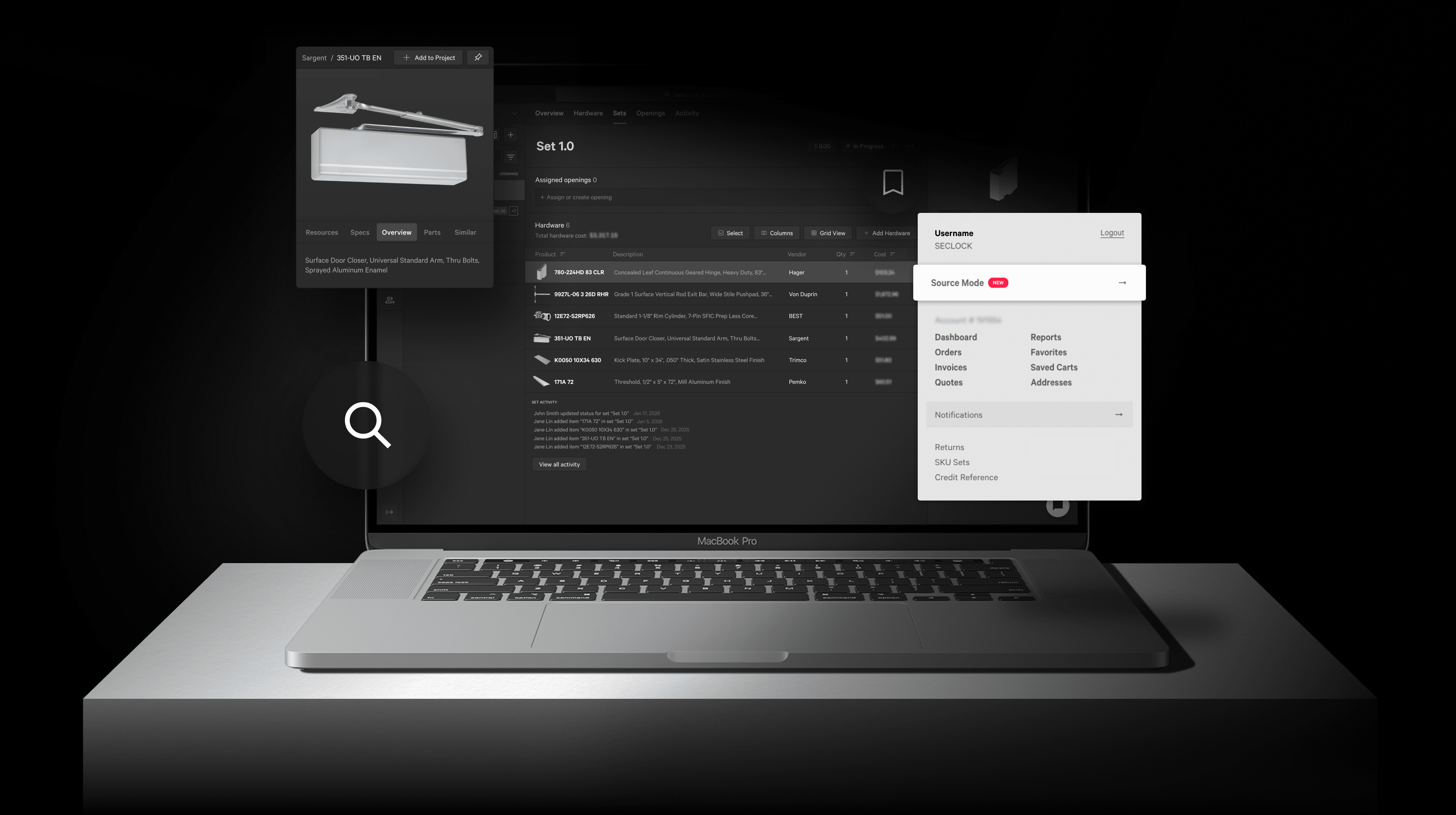
Easily toggle in and out of Source Mode whenever you want. The experience is completely optional, so you can switch back to the SECLOCK.com you already know.
Project solutions from start to finish
We built Source Mode for door hardware professionals like you, with functionality designed to make your job easier. It's an industry first: a web app for the complexity of the commercial door hardware industry.
World-class search functionality
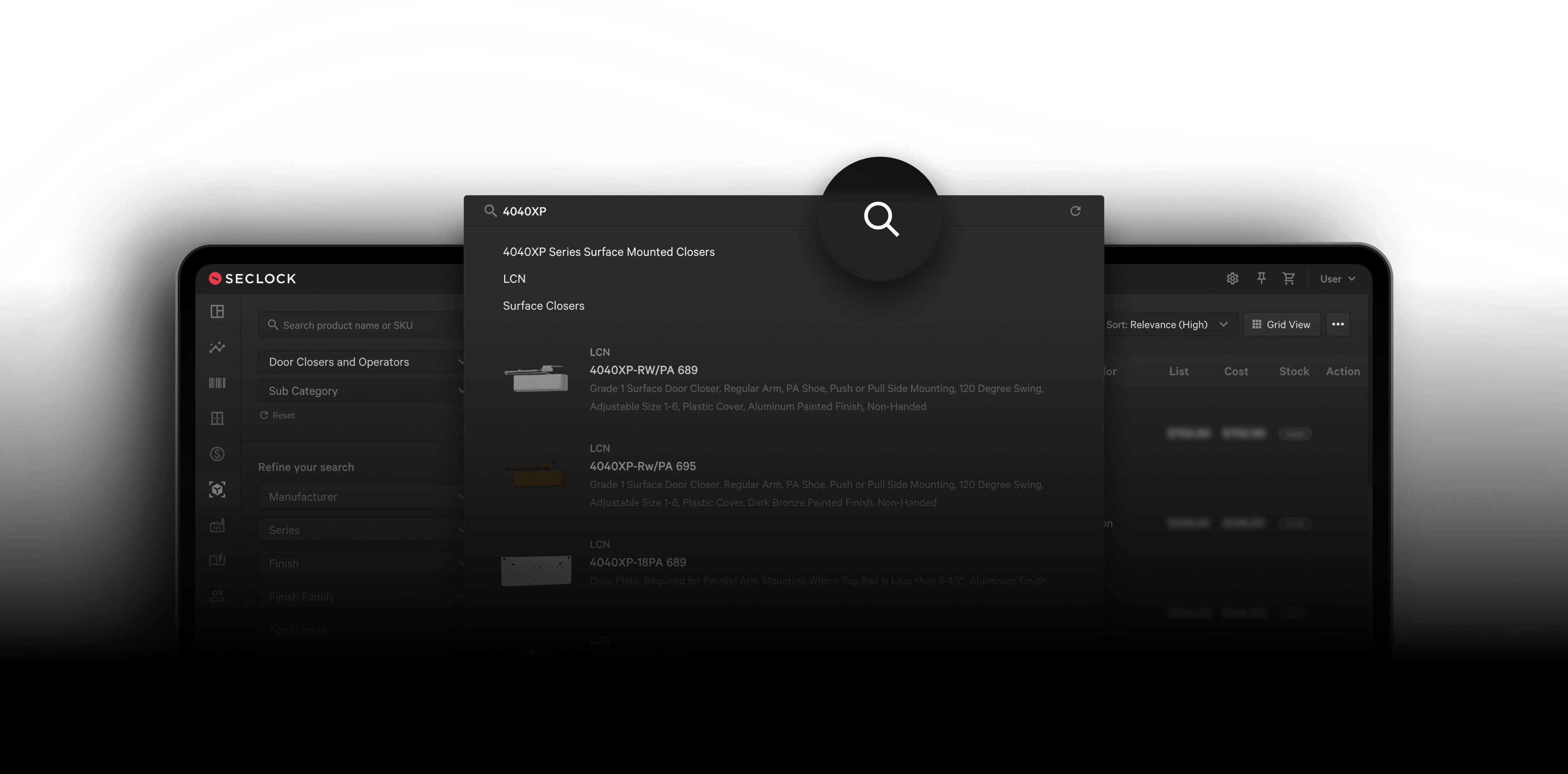
Find exactly what you need with our next-generation search engine that delivers blinding fast, intelligent results from a database that includes nearly 10 million products.
Peerless sourcing tools
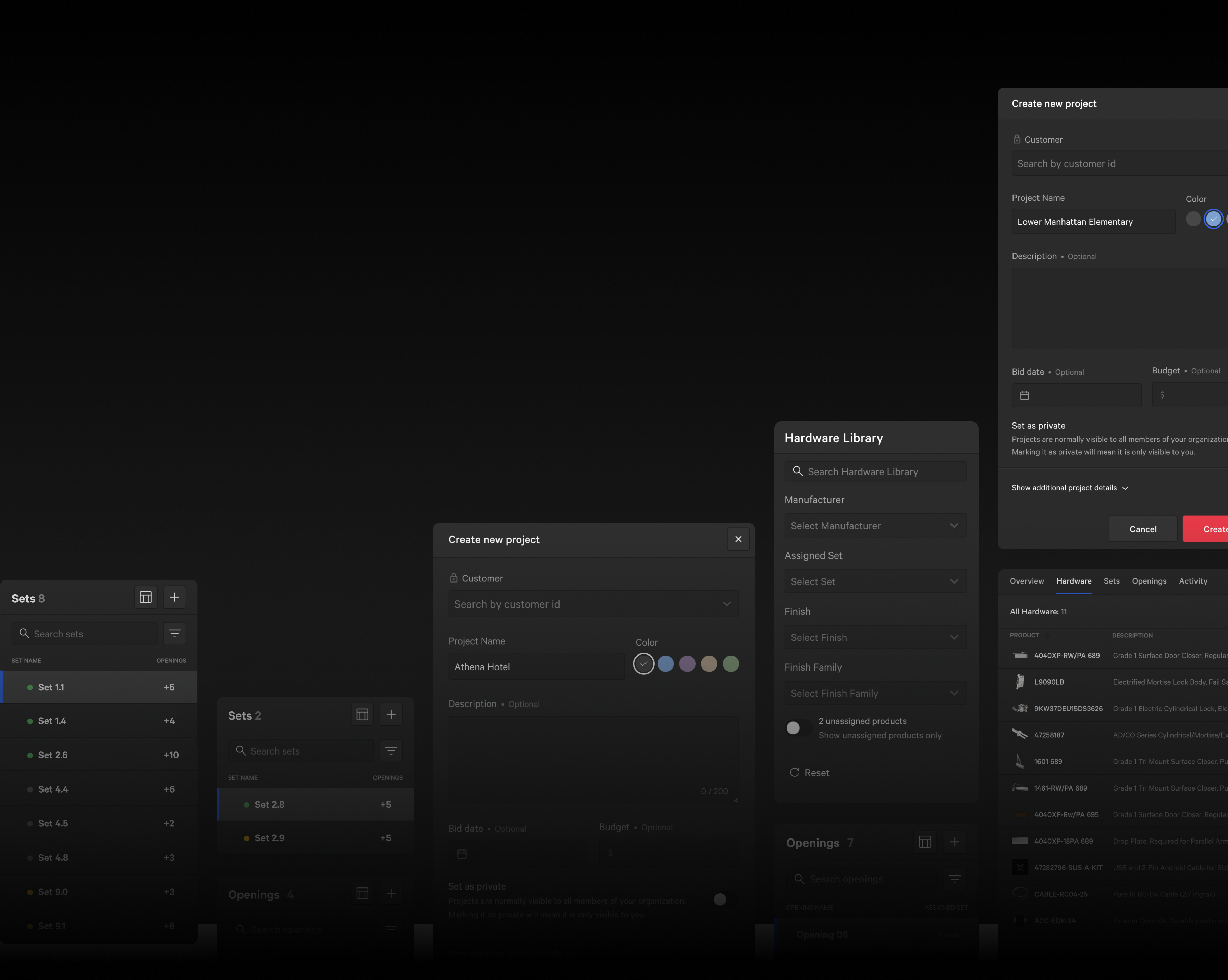
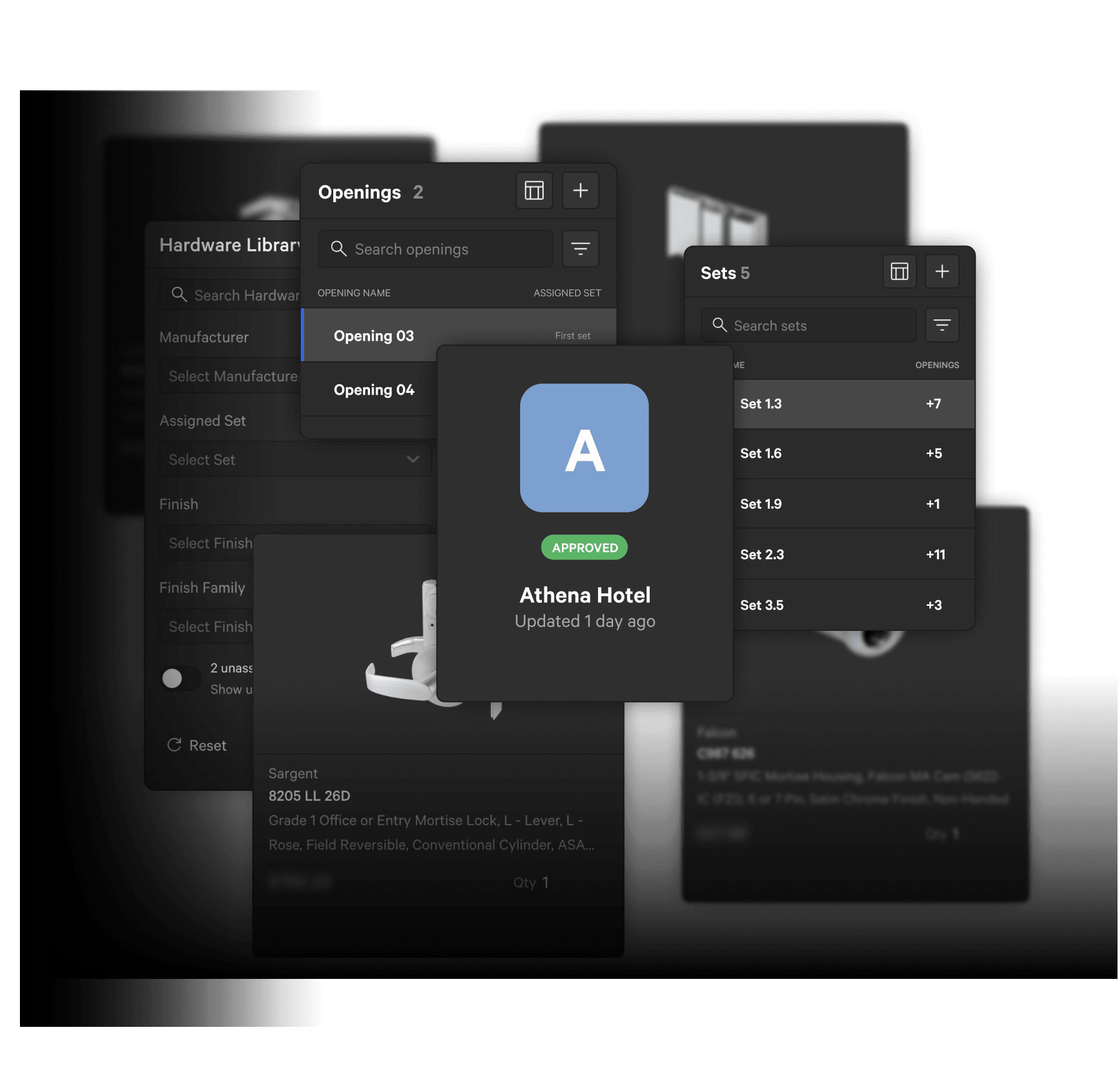
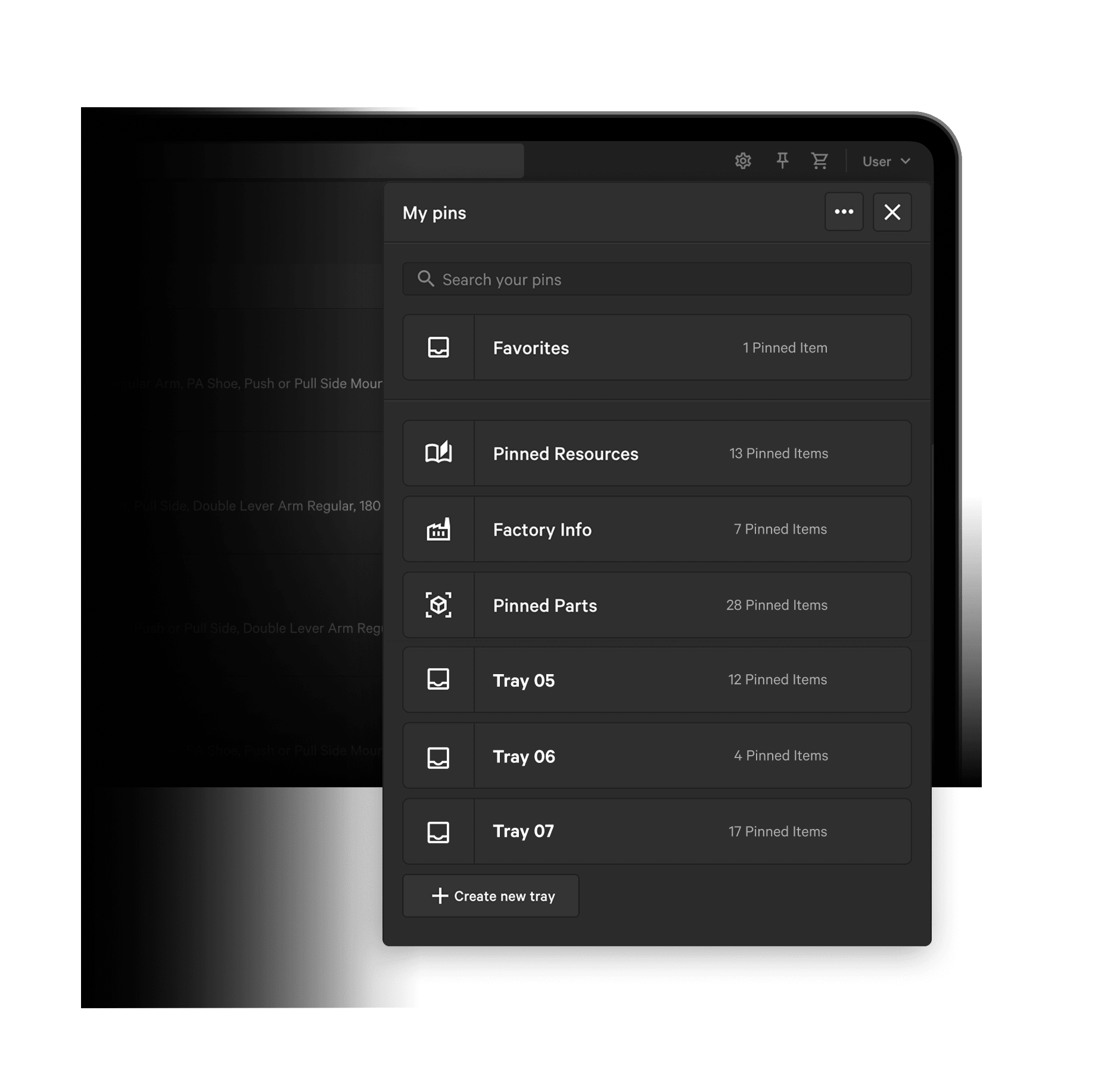
Save your favorite products and manufacturer catalogs with our new Pins feature. And create door hardware schedules in Projects, allowing you to plan and quote materials for a single opening or an entire skyscraper—it's that flexible.
Find your perfect display
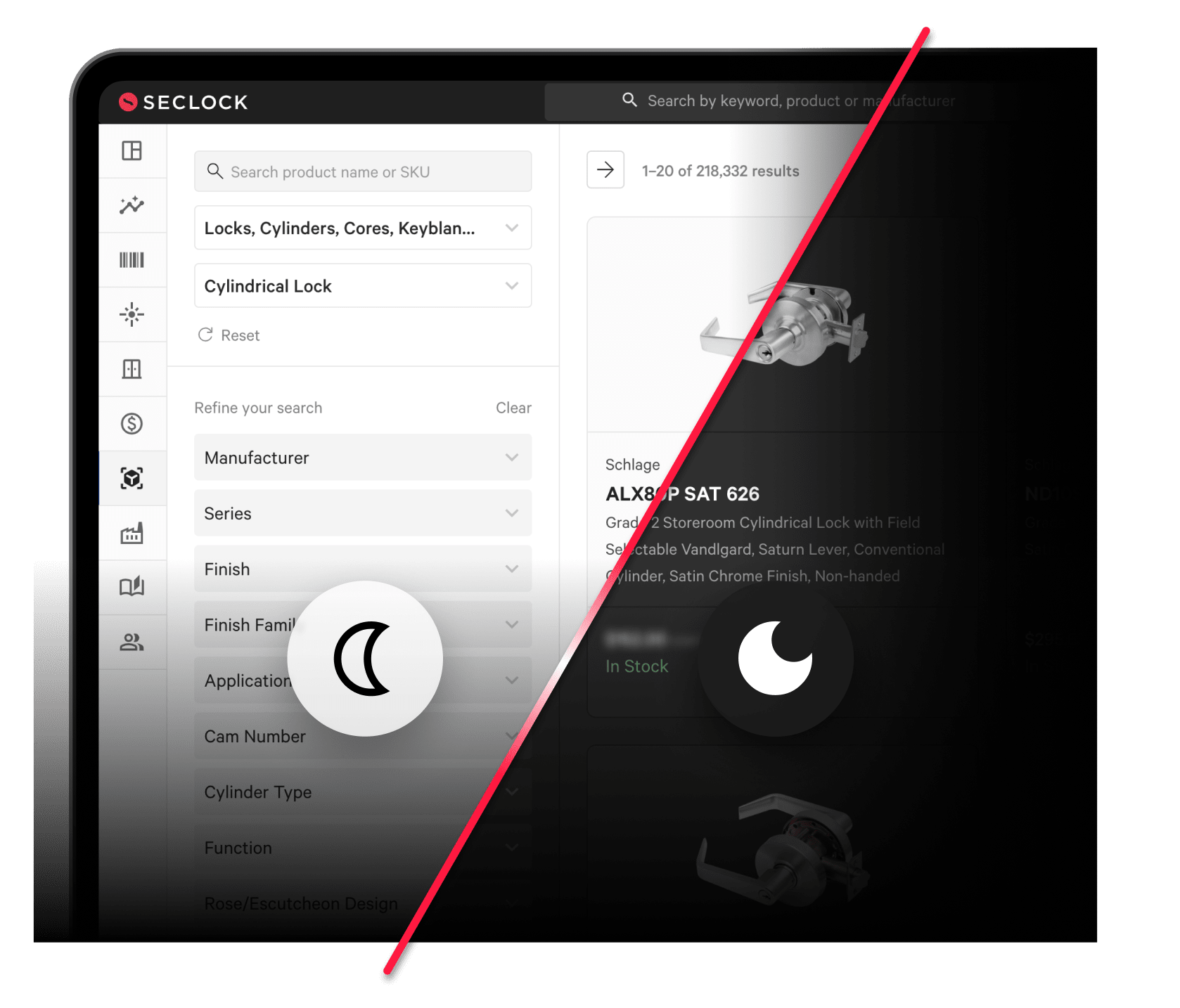
Switch between visually distinct interfaces: Light mode for clarity and brightness, Dark mode for depth and reduced eye strain. Adjust your display to match ambient lighting or personal preference with the click of a button.
Source Mode for Agents New
Now your AI can use Source Mode too
Connect Claude, ChatGPT, or any MCP-capable assistant to SECLOCK. Its agent searches the catalog, pulls your account pricing, checks live stock, builds projects, and places orders on your terms account. Same account, same cart, same same-day shipping. Nothing gets ordered without your confirmation and a PO number.
See Source Mode for Agents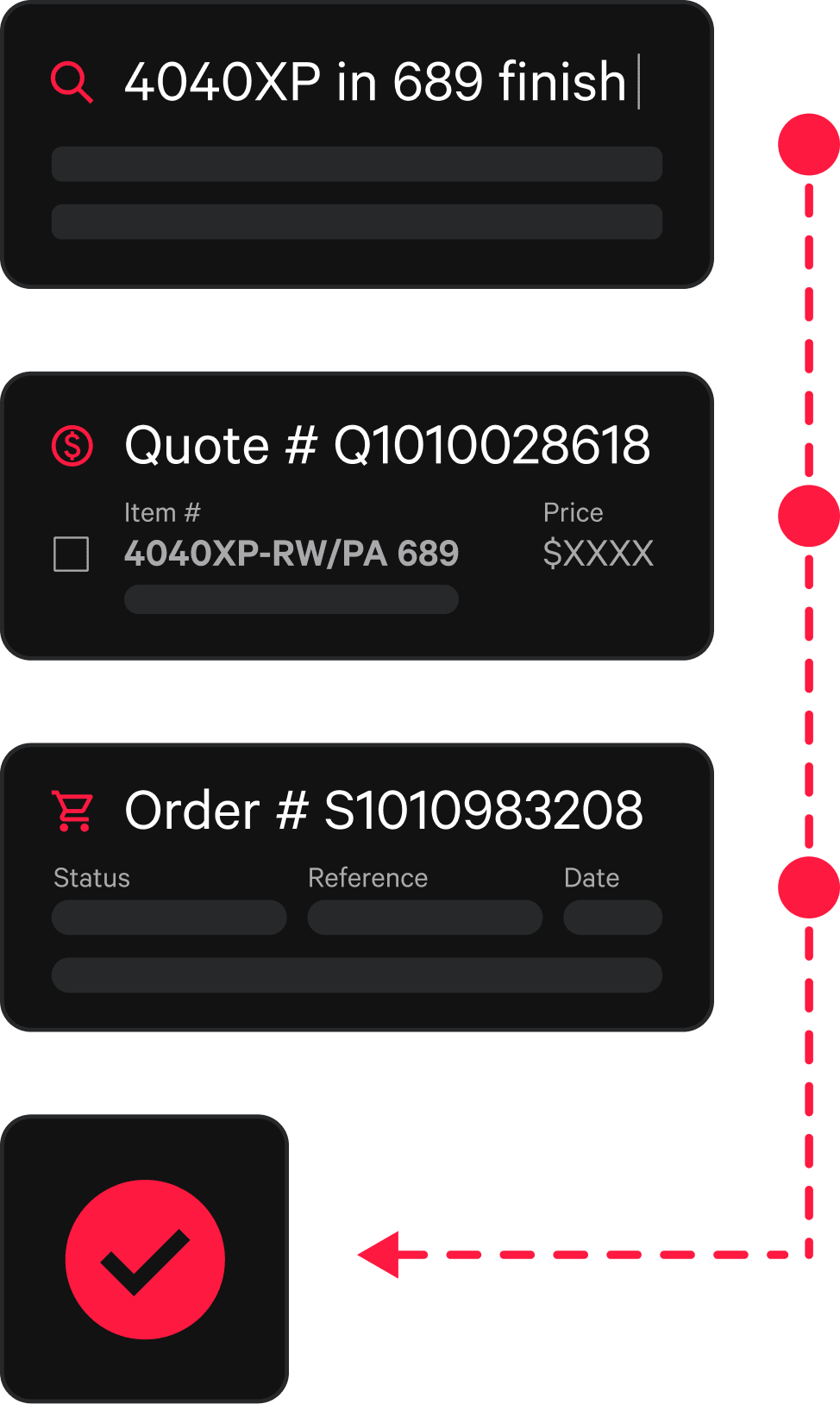
Because better project management means better project execution