Article categories:
Published:
Instantly email or download a Cut Sheet
Learn how to instantly email or download product cut sheets from SECLOCK to streamline specifications, quoting, and project documentation.
Meet the easiest way to share product information.
Navigate to any product page on seclock.com. In this example, we'll look at Schlage's ND53PD RHO 626 cylindrical lock.
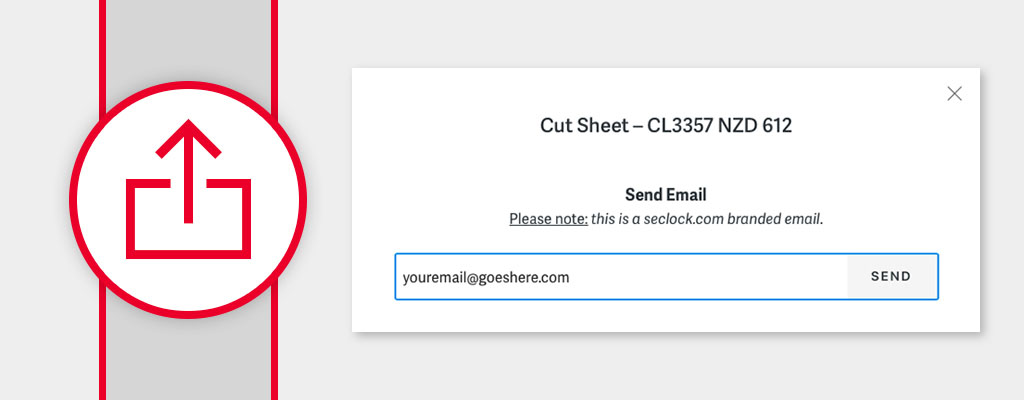
On that page, you'll see a button at the top-right, "Share Cut Sheet."

This revised Share function allows you to email or download a cut sheet for whatever product you're currently viewing. Please note that the emails are seclock.com-branded.

What's included on a cut sheet?
You'll essentially see everything displayed on a seclock.com product page, arranged in a very similar manner. That includes all pertinent product features and specifications, along with a clear image, if available.
You have the option to include or not include your pricing on the cut sheet. An emailed cut sheet also includes a link back to the product on seclock.com.
Posted in:Using SECLOCK.com
